
What Is a Landscape Design App?
A landscape design app helps homeowners, gardeners, and professionals explore ideas for transforming outdoor spaces before any work begins. Instead of relying on sketches or imagination alone, these tools let you experiment with layouts, plants, hardscaping, and design styles using digital visualizations. Many modern apps also use AI, 3D rendering, or augmented reality to show how potential changes could look in your actual yard.
How to Choose the Best Landscape Design App for Your Yard
The right landscape design app depends on your goals and experience level. If you're planning a DIY project, prioritize an app that's easy to use and offers plenty of design inspiration. Features like AI-generated layouts, editable designs, realistic visualizations, plant recommendations, and customization tools can make planning much simpler. If you're a landscape professional, you may also want options for creating client presentations, generating plant lists, or producing more detailed plans. Ultimately, choose a platform that balances usability, flexibility, and the features you'll actually use.
6 Best Landscape Design Apps for Homeowners in 2026
Neighborbrite — Best AI Landscape Design App for Homeowners
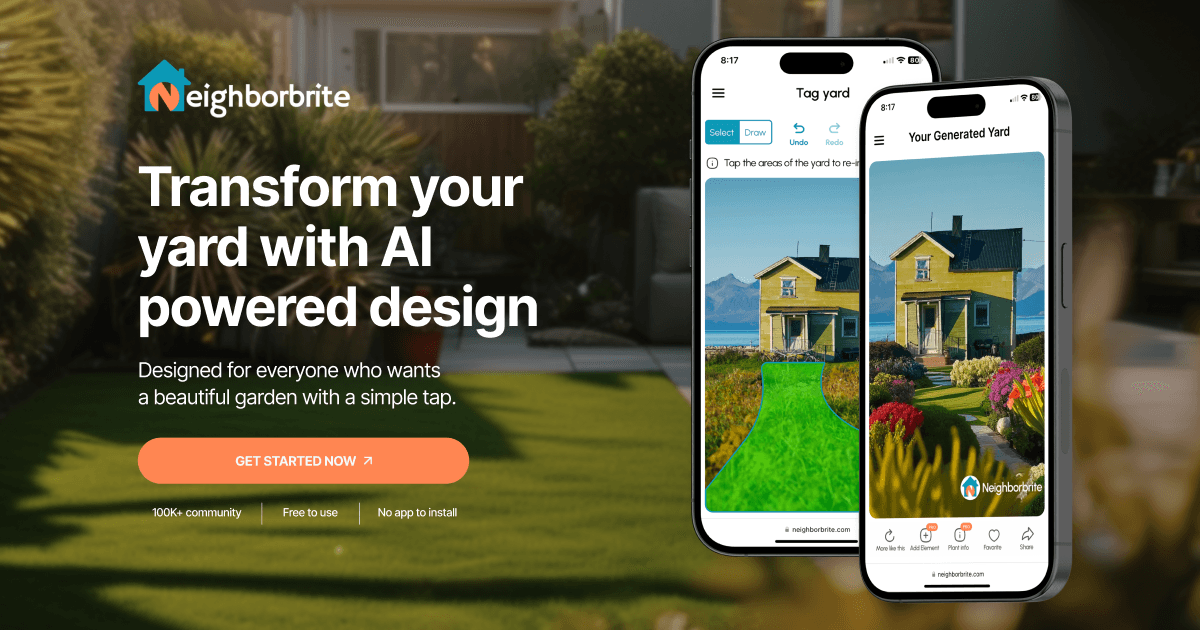
Neighborbrite lets you upload a photo of your yard and generates personalized landscape designs in minutes with its AI-powered platform.
Learn more about Neighborbrite’s free AI landscape design tool.
It walks you through the design process by analyzing your yard, asking about important factors like your location, hardiness zone, sunlight, and slope, then creating a landscape plan before generating your design. This results in designs that feel more thoughtful and tailored to your specific property rather than generic AI images.
The free plan includes everything needed to explore ideas for your yard, including multiple landscape styles, adjustable transformation strength, and “More Like This” variations.
For users who want additional capabilities, Neighborbrite also offers Pro, Business, and Landscaper Suite plans with increasingly advanced tools.
Pro users gain access to features including:
-
Add Elements, allowing you to place trees, plants, patios, pergolas, pools, outdoor furniture, lighting, and hundreds of other landscape elements directly into your design before using AI to blend them naturally into the scene.
-
Detailed, location-aware plant lists with annotated images, plant alternatives, and recommendations based on your climate, hardiness zone, and sunlight conditions.
-
Before-and-after comparisons, advanced editing tools, and more control over every aspect of the design process.
Neighborbrite also helps bridge the gap between inspiration and execution. Once a design is complete, homeowners can request quotes from local landscapers through an integrated partnership and generate printable plant lists to take directly to a nursery or garden center.
Pros: Easy-to-use AI landscape designer that creates personalized designs from a photo of your yard. The free plan includes multiple design styles, transformation controls, downloads, and “More Like This” variations. Advanced plans add AI-powered editing, Add Elements, climate-specific plant lists, professional tools, and connections to landscapers. No software installation required.
Cons: While Neighborbrite is incredibly effective for homeowners, DIY landscapers, and professionals seeking inspiration or client concepts, landscape architects who need detailed CAD drawings or technical construction documentation will still require specialized design software.
iScape — Best for AR Yard Visualization
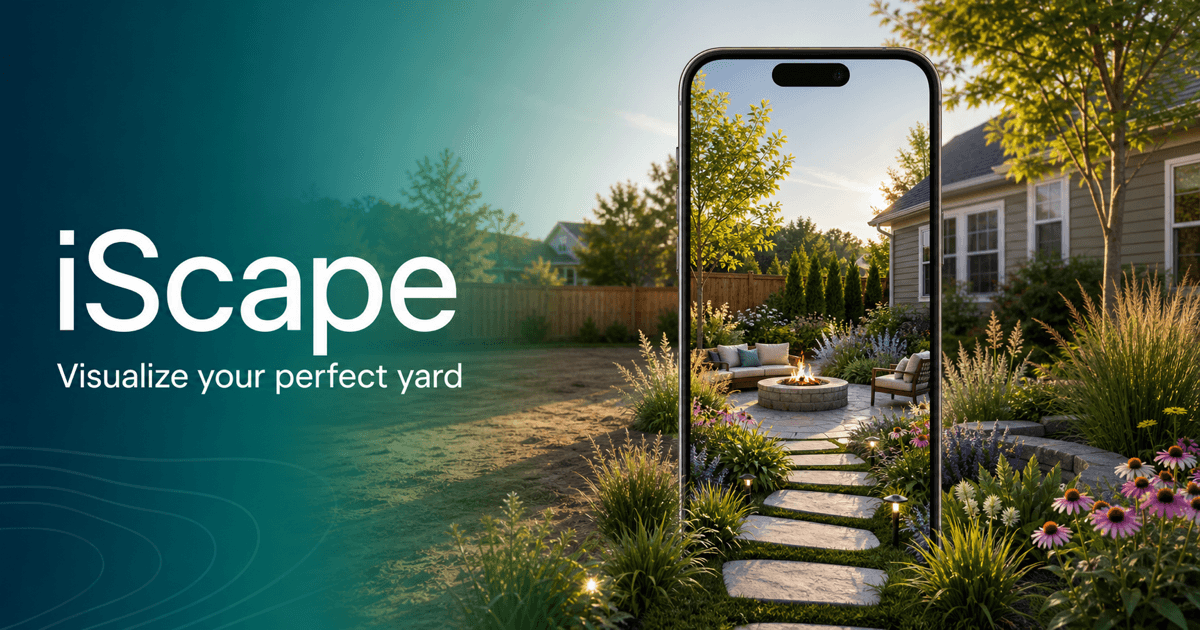
iScape is designed to help homeowners and landscape professionals visualize outdoor projects before breaking ground. Its mobile-first experience allows users to experiment with plants, trees, patios, walkways, and other landscape features, while augmented reality lets them preview ideas directly in their own yard. It's particularly useful for homeowners who want to explore different design concepts before committing to a project.
Pros: Easy to use, realistic augmented reality previews, wide selection of plants and hardscape materials, and great for visualizing ideas on-site.
Cons: Many advanced features are only available with a paid subscription, and creating detailed custom designs requires more manual work than AI-powered alternatives.
Planner 5D — Best for 2D and 3D Yard Planning
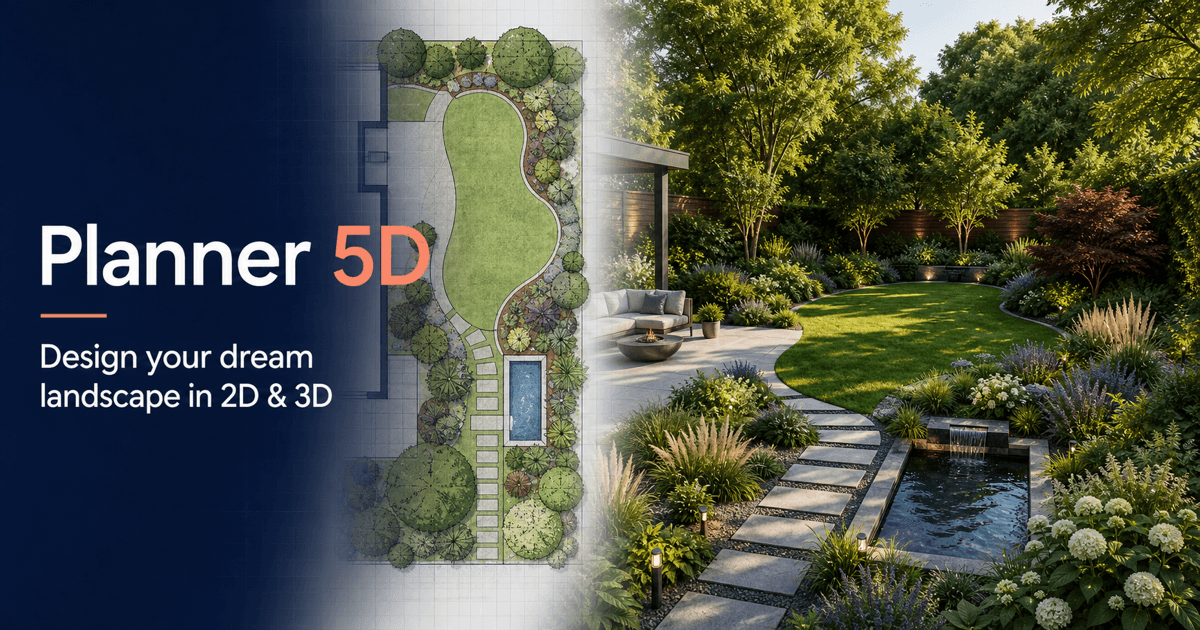
Planner 5D is a versatile home and landscape design platform that makes it easy to plan outdoor spaces in both 2D and 3D. While it isn't dedicated solely to landscaping, it includes a wide selection of outdoor features such as plants, patios, decks, pools, fences, and outdoor furniture. Its drag-and-drop interface makes it approachable for beginners, while more advanced users can create detailed layouts and realistic visualizations for larger projects.
Pros: User-friendly interface, support for both 2D and 3D design, an extensive library of outdoor objects, and a strong fit for planning complete properties and home exteriors.
Cons: Because it's a general home design tool rather than a landscape-specific app, plant recommendations, climate-based guidance, and AI-generated landscape designs are limited compared with dedicated landscaping platforms.
SketchUp — Best for Advanced 3D Landscape Modeling
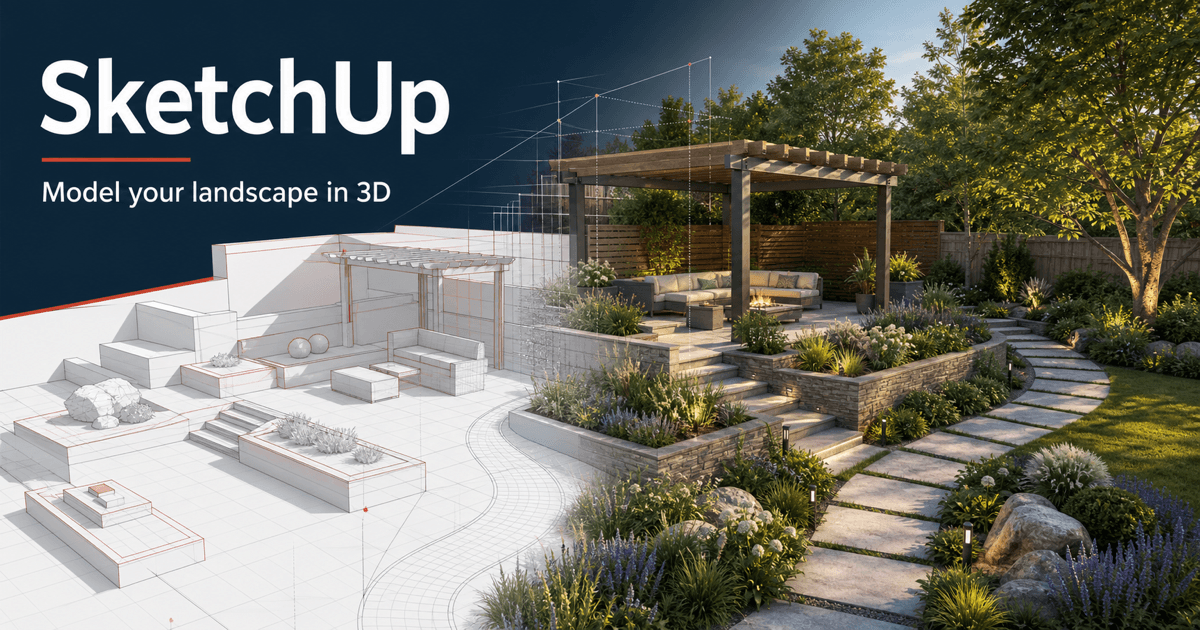
SketchUp is one of the most powerful 3D modeling tools available and has long been a favorite among landscape designers, architects, and other design professionals. It offers precise modeling capabilities, allowing users to create highly detailed outdoor spaces complete with structures, hardscaping, terrain, and landscaping elements. With its extensive library of pre-built models and support for advanced extensions, SketchUp is well suited for users who need complete creative control over their designs.
Pros: Industry-leading 3D modeling tools, high customizability, an extensive model library, and an excellent fit for professional landscape and architectural projects.
Cons: The learning curve is significantly steeper than most homeowner-focused landscape apps, and creating designs requires considerable manual work rather than AI-assisted generation.
PRO Landscape — Best for Professional Landscape Design
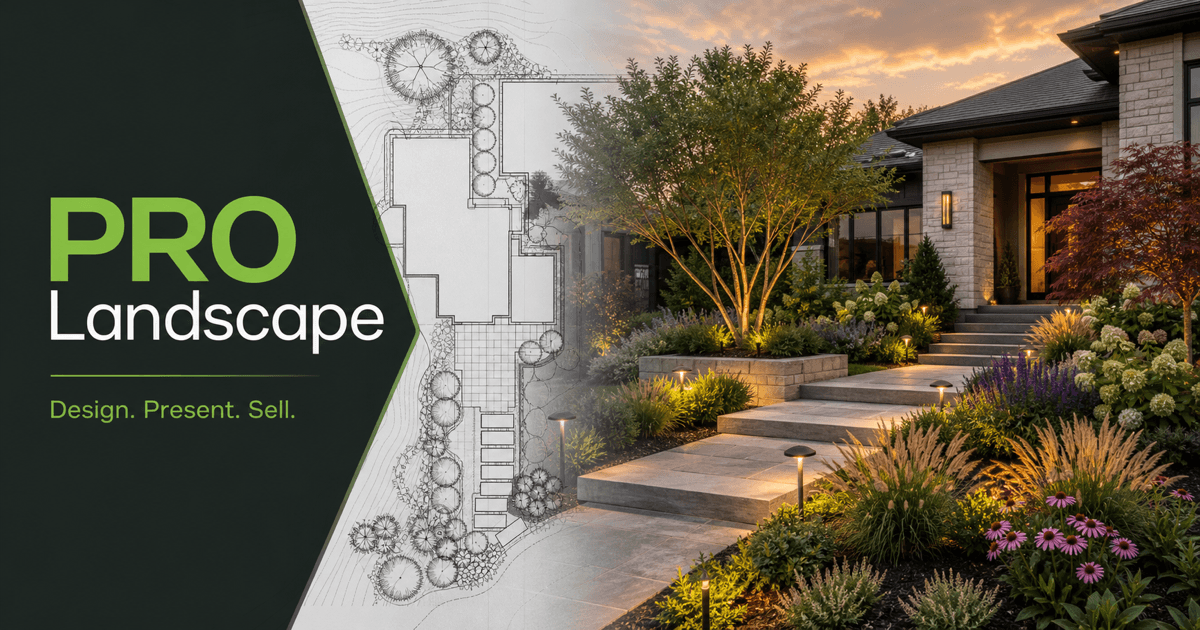
PRO Landscape is built for landscape professionals who need more than just design inspiration. In addition to creating realistic landscape visualizations, it includes business-focused tools for presenting concepts to clients, generating estimates, and managing projects. Its extensive library of plants, trees, hardscape materials, and outdoor features makes it a popular choice for contractors, landscape designers, and garden centers.
Pros: Comprehensive plant and material library, professional presentation tools, photo imaging, estimating features, and workflows designed for landscape businesses.
Cons: The interface and feature set can feel overwhelming for homeowners or casual users, and it's geared more toward professionals than quick, AI-assisted design.
Realtime Landscaping Pro — Best Windows Landscape Design Software
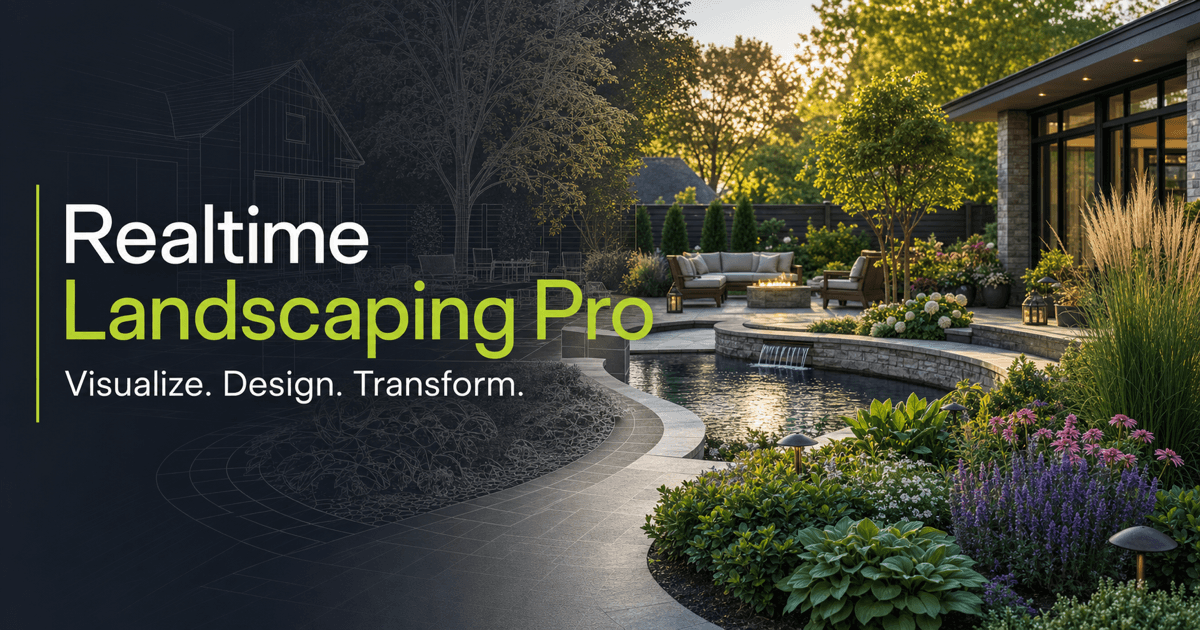
Realtime Landscaping Pro is a desktop landscape design program that enables users to create detailed 2D plans and realistic 3D renderings of outdoor spaces. It offers a large collection of plants, hardscape materials, water features, outdoor lighting, and architectural elements, making it well suited for planning complete residential landscapes. The software is particularly popular among serious DIYers and professionals who want full control over every aspect of a design.
Pros: Detailed 2D and 3D design capabilities, an extensive landscape object library, realistic visualizations, and powerful tools for creating customized landscape plans.
Cons: Available only for Windows, requires installation, and has a steeper learning curve than modern AI-powered web apps designed for faster concept generation.
Why Neighborbrite Is the Best Landscape Design App for Homeowners
Neighborbrite stands out by making landscape design accessible to everyone. Instead of asking users to build a landscape from scratch, it starts with their real yard, understands the yard's conditions, creates a design plan, and then generates realistic landscape concepts tailored to that specific space. This thoughtful workflow produces more relevant and usable results than many AI image generators.
The platform goes beyond simple image generation by helping homeowners move from inspiration to implementation. Features like Add Elements provide precise creative control, while integrated plant lists and connections to local landscapers make it easier to bring designs to life. Whether you're looking for fresh ideas, planning a DIY project, or preparing to hire a professional, Neighborbrite offers one of the most complete AI landscape design experiences available today.
Which Landscape Design App Is Best for You?
The best landscape design app ultimately depends on your goals. If you want professional-grade 3D modeling, SketchUp offers unmatched flexibility. PRO Landscape and Realtime Landscaping Pro are excellent choices for landscape professionals and contractors who need advanced design and presentation tools. Planner 5D is a great option for homeowners looking to create detailed 2D and 3D layouts, while iScape excels at helping users visualize outdoor projects through augmented reality.
For homeowners and anyone looking for the fastest path from inspiration to a realistic, personalized landscape design, Neighborbrite stands out as one of the best landscape design apps of 2026. Its AI-powered workflow analyzes your actual yard, considers factors like climate and sunlight, and generates customized designs in minutes. Combined with advanced editing tools, detailed plant lists, before-and-after comparisons, and connections to local landscapers, Neighborbrite goes beyond simply visualizing ideas—it helps homeowners confidently plan and bring their outdoor projects to life.