
1.
Bring your backyard
Take a clear photo in daylight. Include the house, fences and features you want to work around.

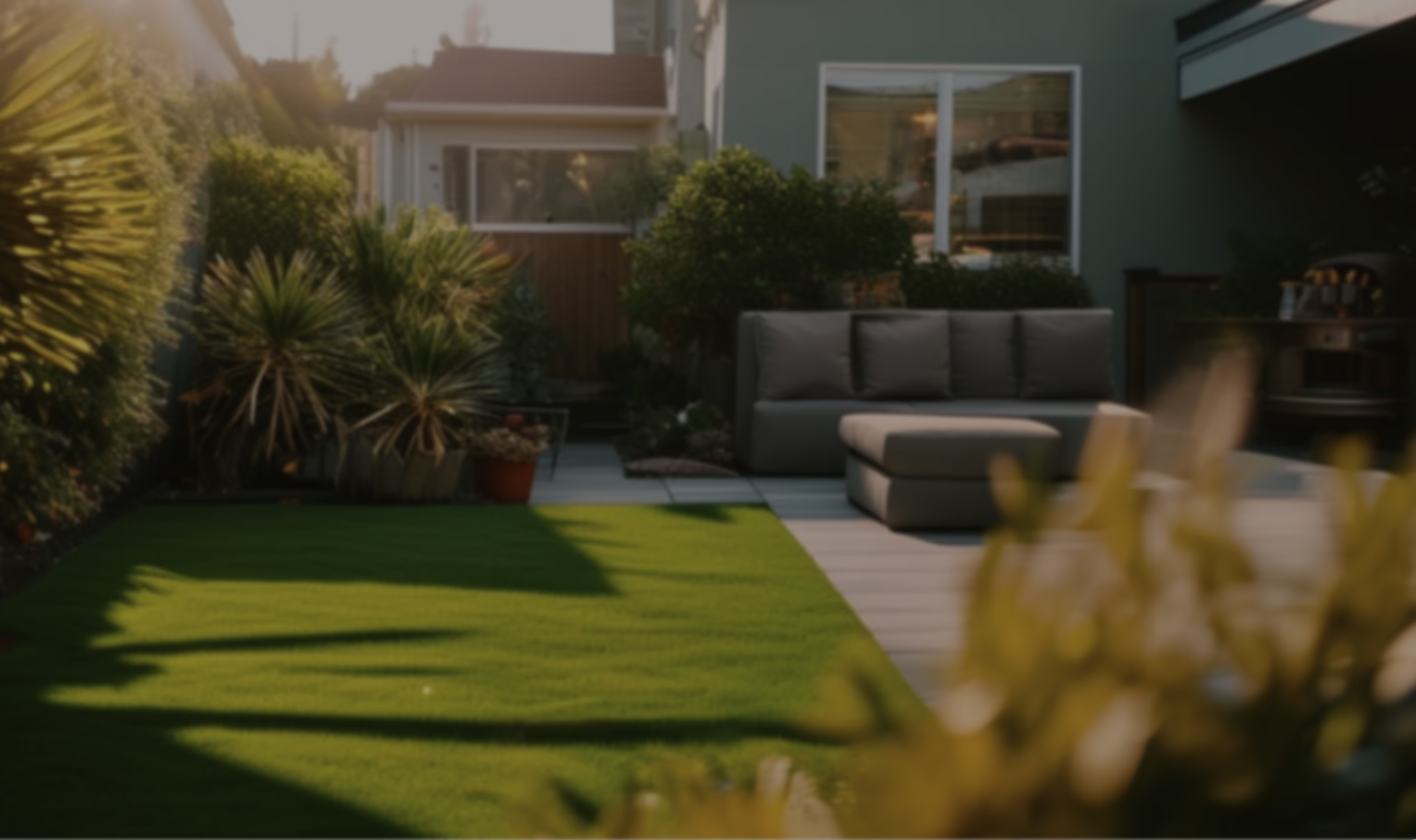
Upload a photo of your backyard. Explore new planting, a place to gather or a little more privacy—before changing a thing.
Try my backyard photoStart designing
 Continue on web
Free account. Up to 4 designs every 24 hours. No credit card. Pro for custom editing.
No drawing skills or design software to learn. Start in your browser with the space you already have.

Take a clear photo in daylight. Include the house, fences and features you want to work around.
Choose a style and explore a fresh design. Compare the result with your original photo before deciding what feels right.
Want a different planting bed or a place to sit? Pro tools let you describe changes, add elements and remove objects. Review each result as you refine.
Continue on webYou do not need a whole-yard makeover. Start with the corner, view or project you have been thinking about.
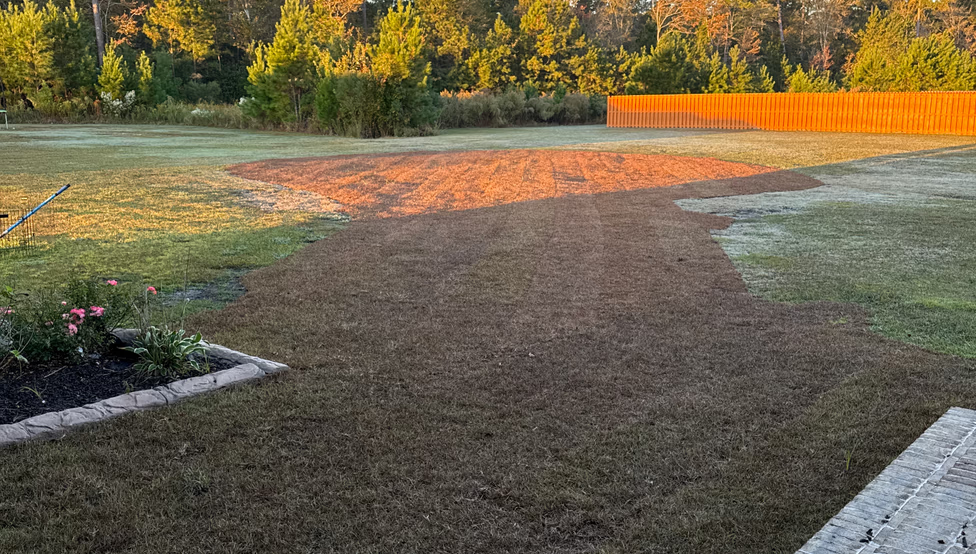
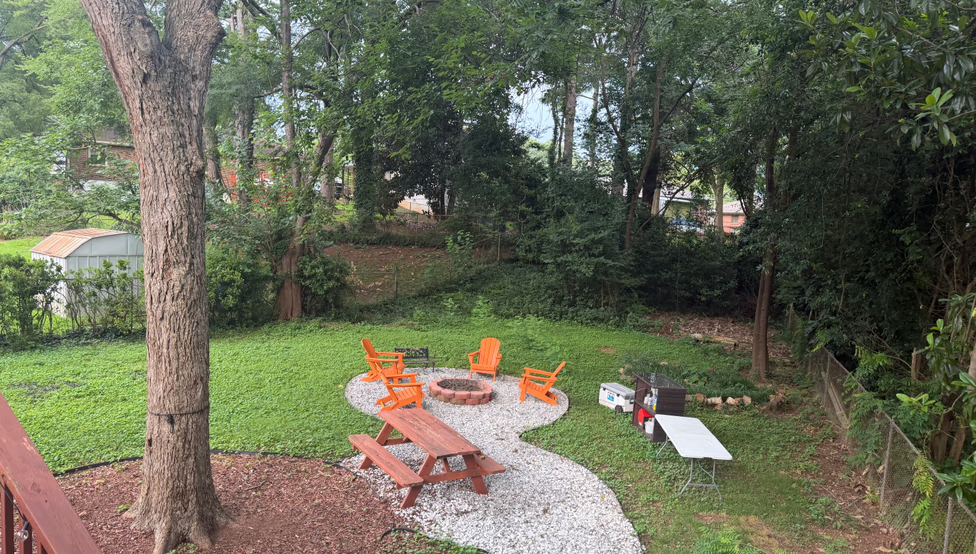
 Continue on web
A first design is a starting point. With Pro, use your own words and choose the changes you want to explore.
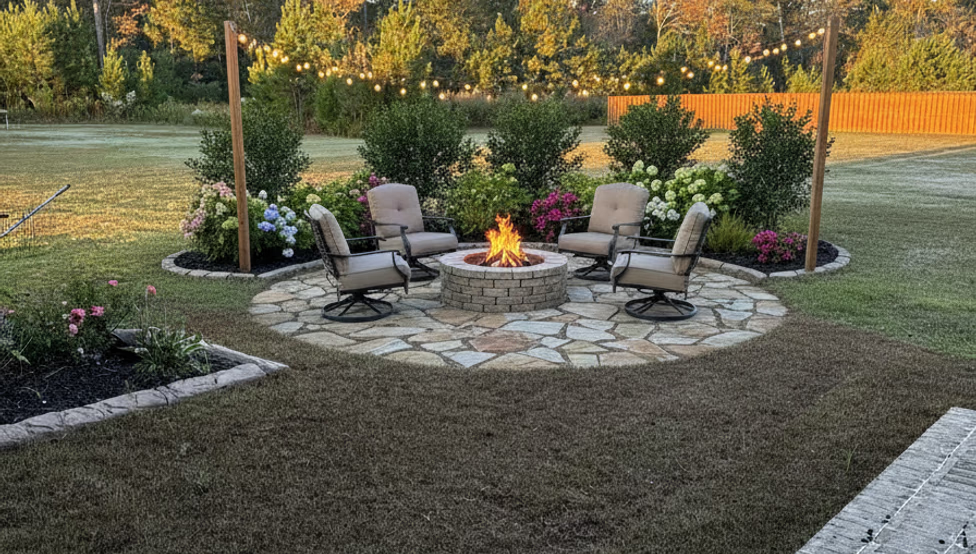
Explore a patio, a fire pit or a seating area that brings everyone outside.
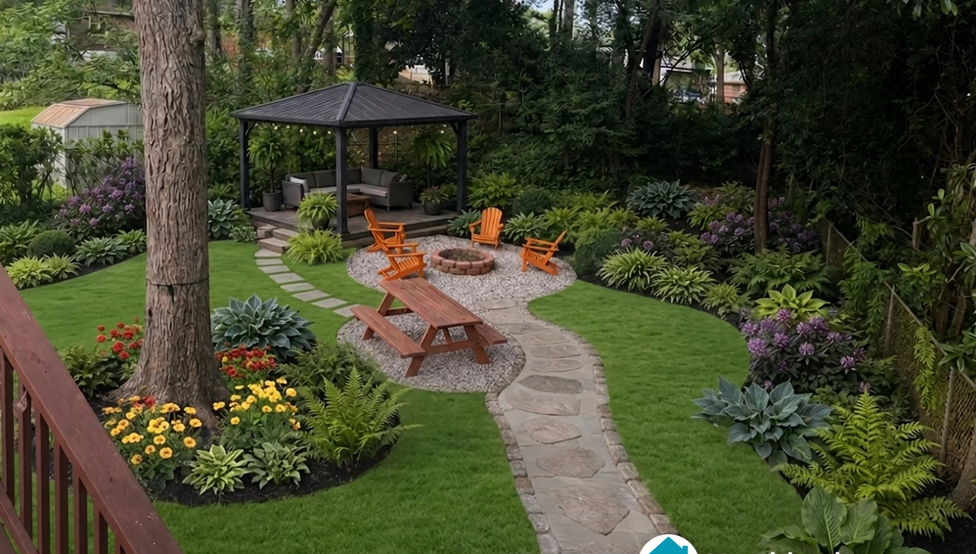
Add a fire pit, seating and planting
Add a fire pit, seating and planting
Place a pergola in your backyard

 Magic Blend
Select the old wheelbarrow and remove it from your backyard.
Prepare a sharp image for print.
Improve lighting and clarity.
Find plants to bring your design to life, with recommendations based on your sunlight conditions and climate.
AAAABBBBCCCCCCDD4 plant varieties · 16 plants
| Plant | Mature height | Mature width | Hardiness | Sunlight | Quantity |
|---|---|---|---|---|---|
| APanicle hydrangeaHydrangea paniculata 'Jane' | 36 in–5 ft | 36 in–5 ft | 3–8 | Full sun to part shade | 4 |
| BPurple coneflowerEchinacea purpurea | 22 in–24 in | 18 in–20 in | 4–9 | Full sun | 4 |
| CWinter Gem boxwoodBuxus microphylla 'Winter Gem' | 24 in–4 ft | 24 in–4 ft | 5–9 | Full sun to part shade | 6 |
| DElijah Blue fescueFestuca glauca 'Elijah Blue' (syn. F. ovina var. glauca) | 8 in–12 in | 6 in–10 in | 4–8 | Full sun | 2 |
Continue on webUpload your photo and choose a style. Create up to 4 free designs every 24 hours with a free account—no credit card needed. You may need to wait between designs; the app shows when you can create more.
With Pro, describe your ideas, edit selected areas, add or remove elements, and identify plants. Explore the tools and see current pricing in the app.
Yes. Start free by choosing a style for your own photo. Custom descriptions and editing tools are available with Pro.
You’ll need a free account. Use your phone or computer’s browser—there’s nothing to install.
Pro lets you request specific changes. AI may also change details you wanted to keep, so compare your design with your original photo.
Yes. Explore a small corner, more privacy or less lawn. Check plant care needs against your local conditions as you choose what to grow.
Use it to find a direction you love and share your ideas with your household or landscaper. For building, you’ll still need measurements and a construction plan.
Yes. Get plant recommendations based on your sunlight conditions and climate, with names and quantities to help you plan what to buy.
A clear daylight photo showing the area you want to change and its surroundings. Include the features you want to work around.
Our privacy policy explains how photo uploads and account data are handled. Read the privacy policy
What would you change about your backyard?
Start with your own photo and explore a new look.Try my backyard photoStart designingContinue on web