
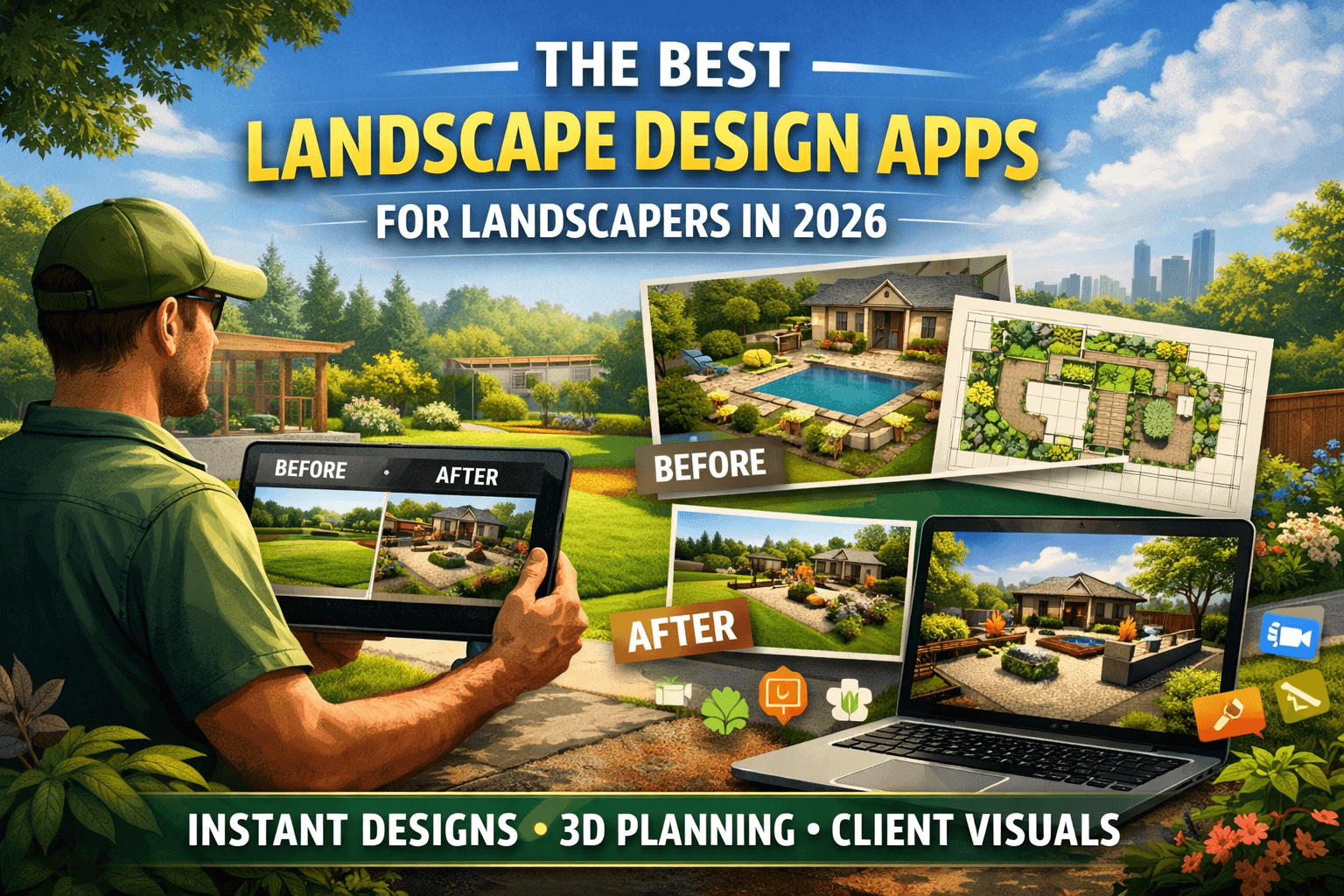
Landscape design apps help landscapers plan, visualize, and present outdoor spaces—from simple garden upgrades to full property transformations. Beyond design, they play a critical role in the sales process, allowing you to show clients exactly what their yard could look like before any work begins. Many tools offer features like 3D modeling, plant libraries, and photo-based mockups, helping bridge the gap between an idea and a signed project.
What you should be looking for
When choosing a landscape design app as a landscaper, it’s not just about design capabilities—it’s about efficiency and closing jobs. Look for tools that are fast, easy to use in front of clients, and capable of turning ideas into clear visuals without hours of work. A strong plant library and customizable elements are helpful, but equally important is the ability to quickly generate realistic designs, iterate on the spot, and communicate your vision in a way clients immediately understand. The right tool should support your workflow—from first consultation to final approval—not slow it down.
Best Apps for Landscape Design in 2026
1. Neighborbrite
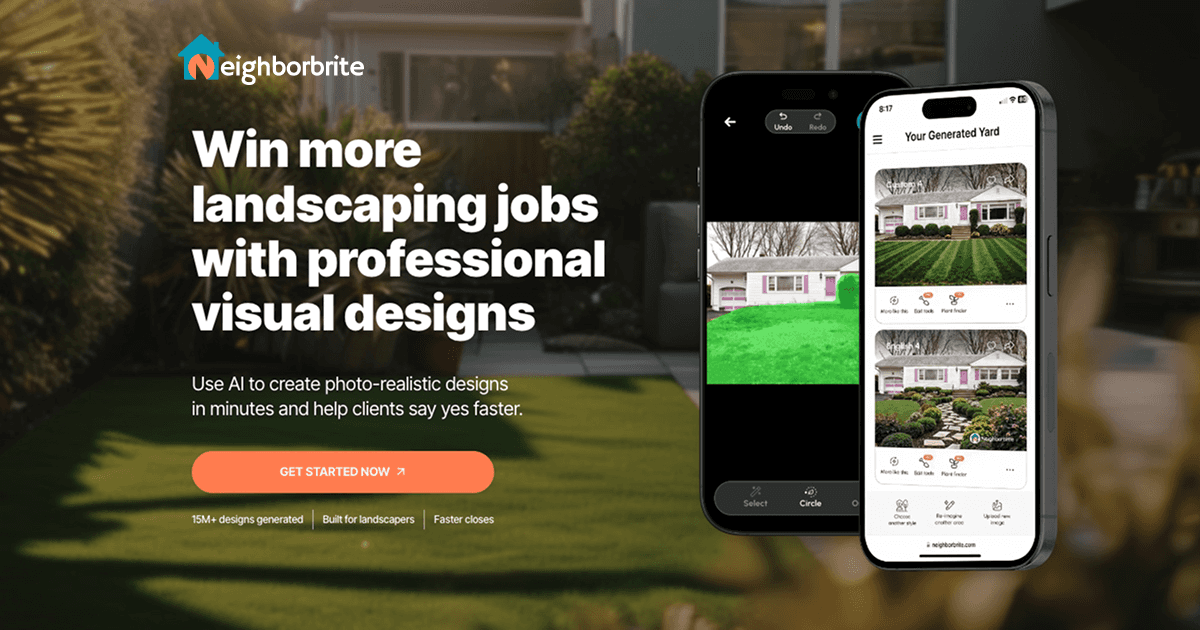
Best for: Speed + accessibility + sales impact
Pros:
-
Turn a real yard photo into a design in seconds
-
Show clients instant before/after visuals
-
Test multiple styles on the spot
-
Close jobs faster, without needing design software experience
-
Instant mockups (seconds vs hours)
Cons:
-
AI results can vary and aren’t always perfectly accurate to real-world measurements
-
Focused on quick concepts rather than full professional design workflows
2. PRO Landscape +
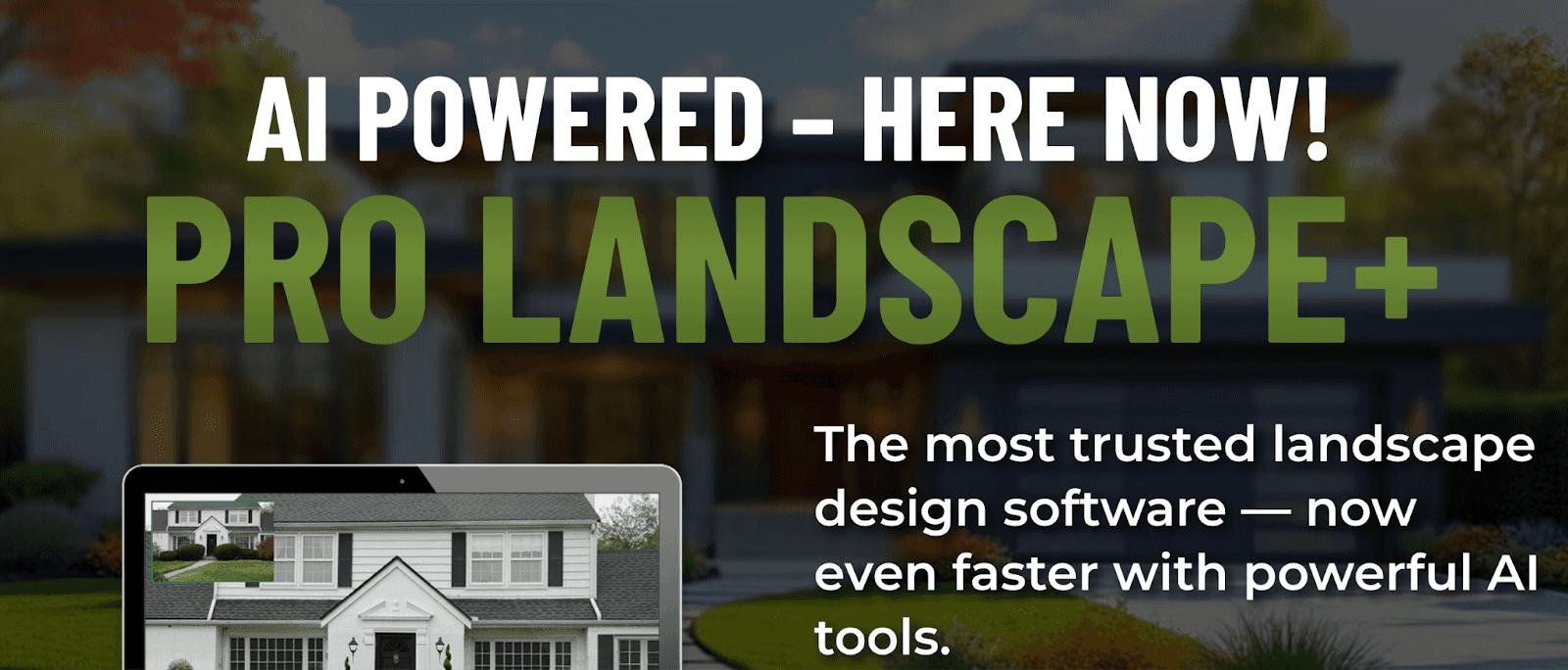
Best for: Combining design + sales workflow in one tool
Pros:
-
Turn photos into realistic “before/after” designs
-
Includes CAD + 3D + mobile app
-
Built to close jobs faster with clients
Cons:
-
Designs take time to build, with manual placement slowing down client-facing work
-
Visuals and plant libraries can feel limited or less realistic
-
Not optimized for speed, making quick iterations and on-the-spot edits harder
3. SketchUp
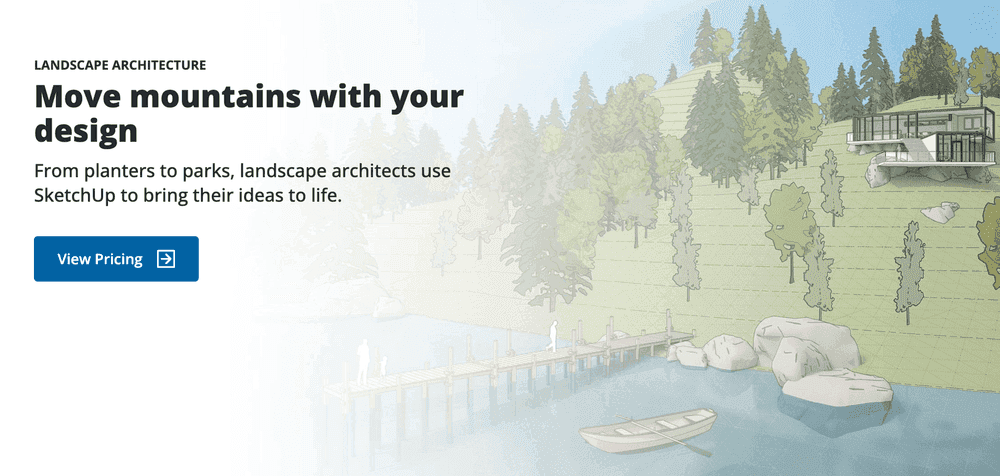
Best for: Quick concepts + client visuals
Pros:
-
Intuitive 3D modeling
-
Huge library (plants, pergolas, patios)
-
Works great with render tools like Enscape
Cons:
-
Requires plugins for realistic visuals, adding complexity and cost
-
Limited for technical drawings, making construction plans more manual
-
Can slow down with larger or detailed models
4. Realtime Landscaping Pro
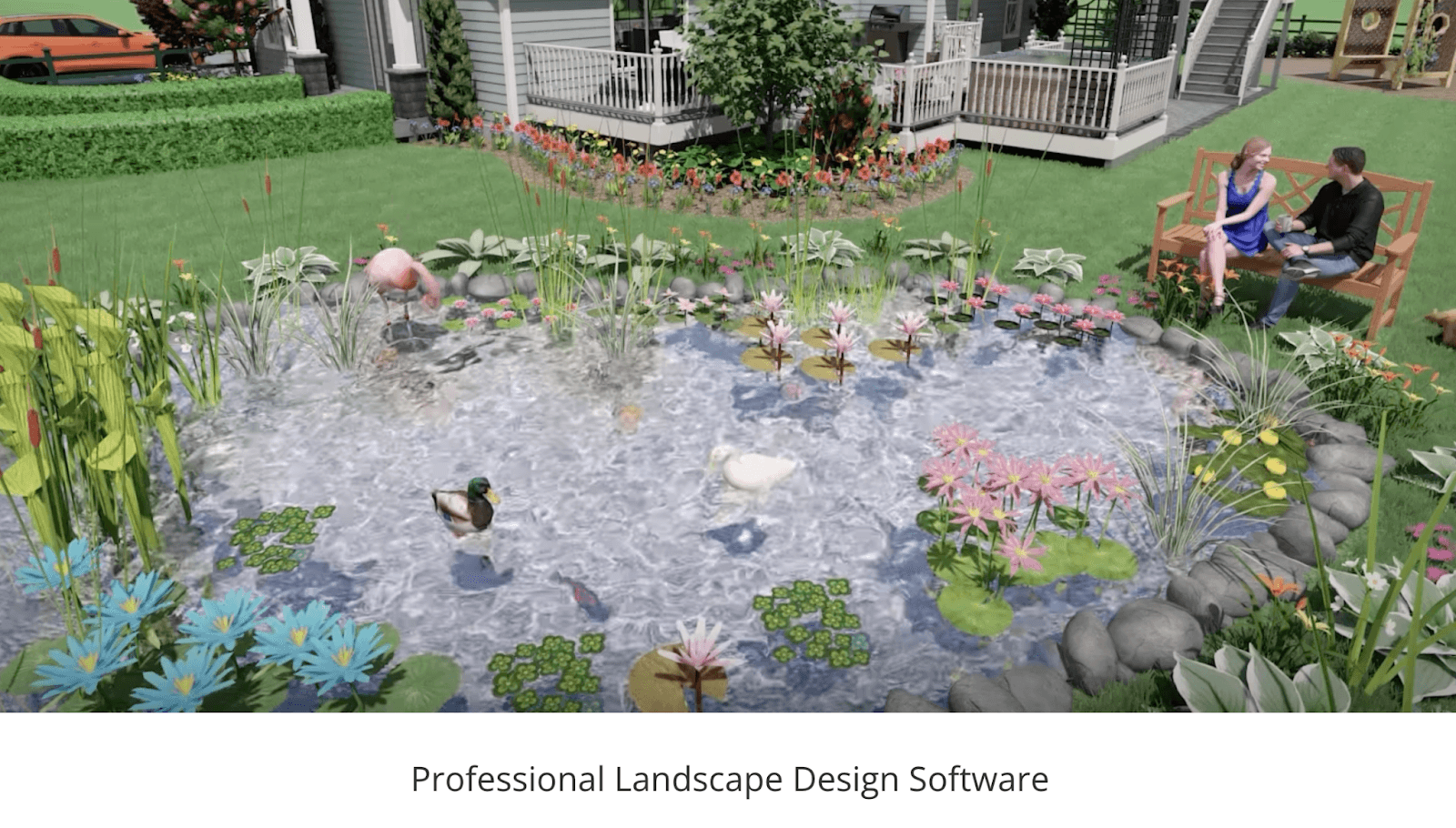
Best for: Walkthrough animations and realistic visuals
Pros:
-
Fast mockups
-
Large plants and objects library
Cons:
-
Desktop-only (Windows), limiting flexibility for on-site or mobile use
-
Can lag or slow down with larger, more complex designs
-
Learning curve on advanced features like terrain and detailed editing
Why Neighborbrite is the Best Choice in 2026
Neighborbrite stands out in 2026 by transforming landscape design from a slow, manual process into an instant, client-ready experience. With AI-powered technology, landscapers can turn a real yard photo into multiple design options in seconds, customize elements on the fly, and generate plant lists tailored to the local climate—all without complex tools or steep learning curves . Unlike traditional software built for drafting, Neighborbrite is built for speed, clarity, and client communication—helping landscapers visualize ideas faster, present them more effectively, and ultimately win more projects.
Conclusion
Each of these landscape design tools serves a different purpose. Platforms like SketchUp and PRO Landscape+ are strong for detailed design work and construction planning, but they often require more time and expertise. For landscapers focused on moving quickly, communicating ideas clearly, and closing more jobs, Neighborbrite stands out. By turning real yard photos into instant, client-ready designs, it streamlines the sales process and helps bring ideas to life on the spot—making it one of the most effective tools for landscapers in 2026.